Store Guide (Xbox)

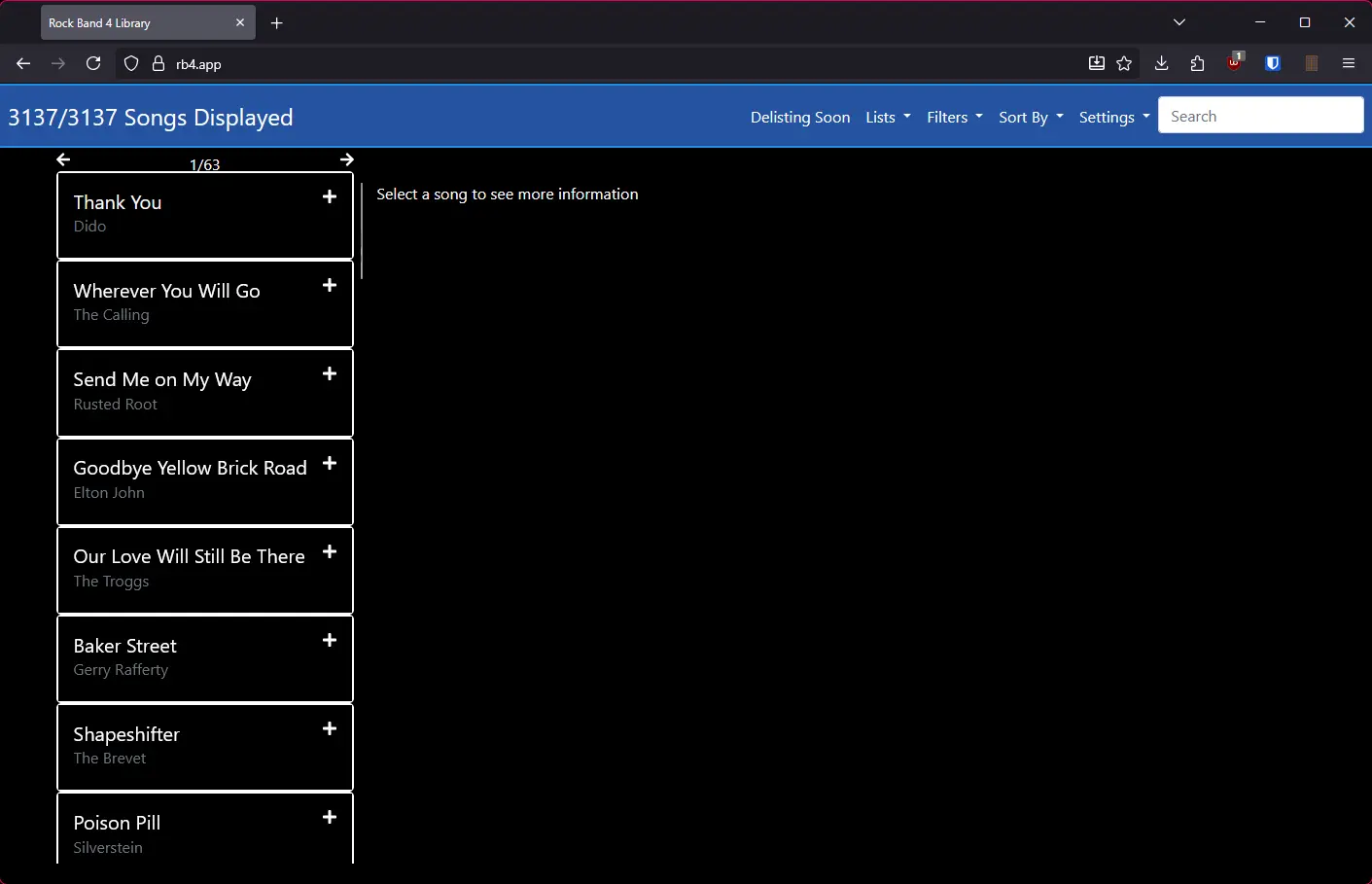
If the Rock Band 4 servers are down, or if you're away from your console, you can use the unofficial rb4.app website to browse, search and help you buy songs. You can do this on a computer or a smartphone.

Note: Buying a "legacy" song on the Microsoft Store or on Xbox.com will NOT grant you the ability to download the song on Xbox 360. You can not purchase new songs for the Xbox 360.

Browsing and buying songs

  1. On a web browser on your computer or phone, go to https://rb4.app/.
  2. The rb4.app home page, showing "3137/3137 songs displayed", a list of songs, and a search bar in the top right corner.

  3. Select or search for a song.
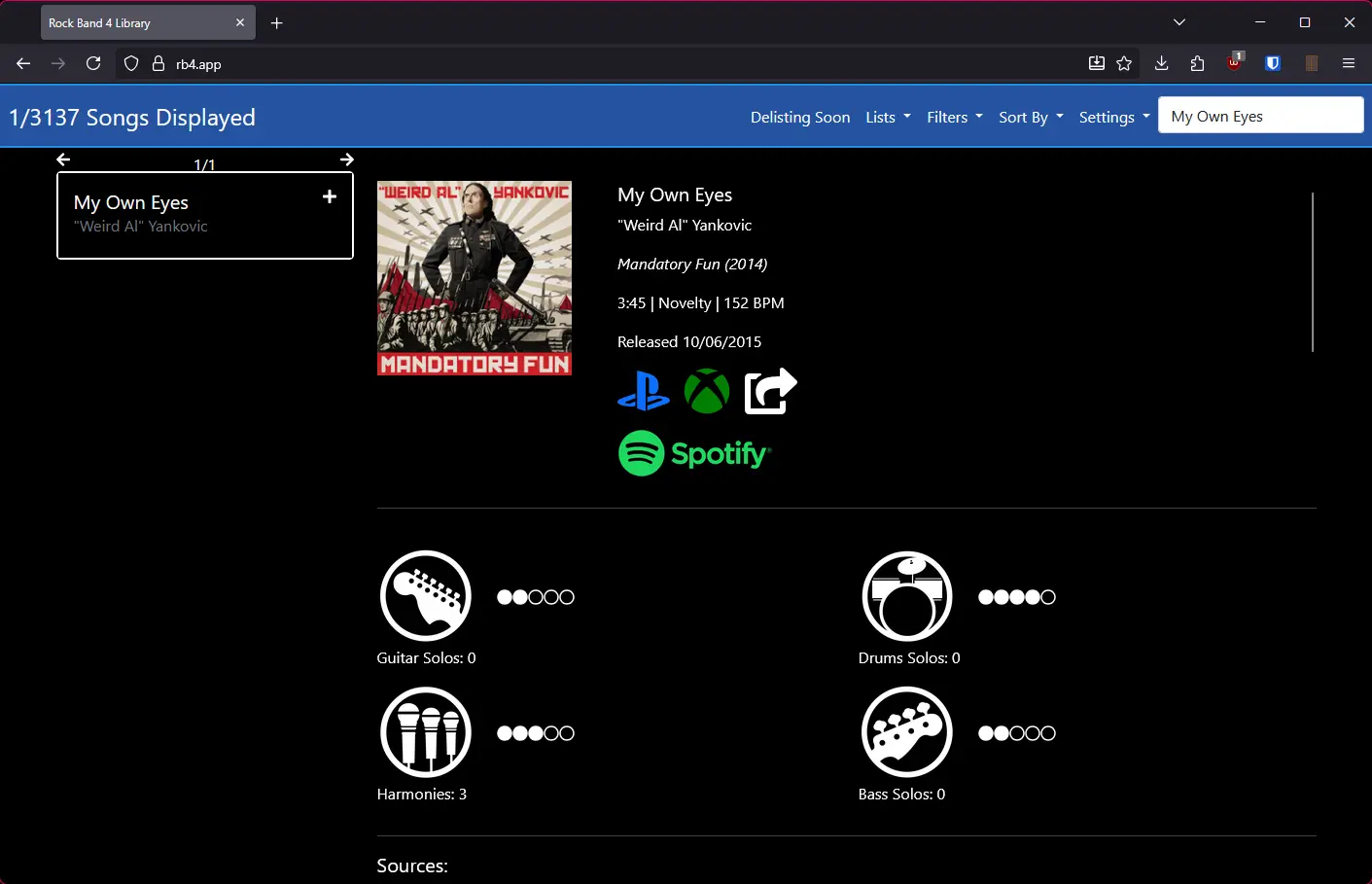
  4. The rb4.app song page for My Own Eyes by Weird Al Yankovic. It shows the album art, the length of the song, the genre and the release date. There are links to PlayStation, Xbox, and Spotify.

  5. If the song you're interested in is part of a pack, scroll down and select "Packs".
  6. The rb4.app song page for Where's Gary?. It is scrolled down to a segment with the heading "Packs" which displays one pack, "SpongeBob SquarePants Pack 01" and has links to the PlayStation and Xbox stores.

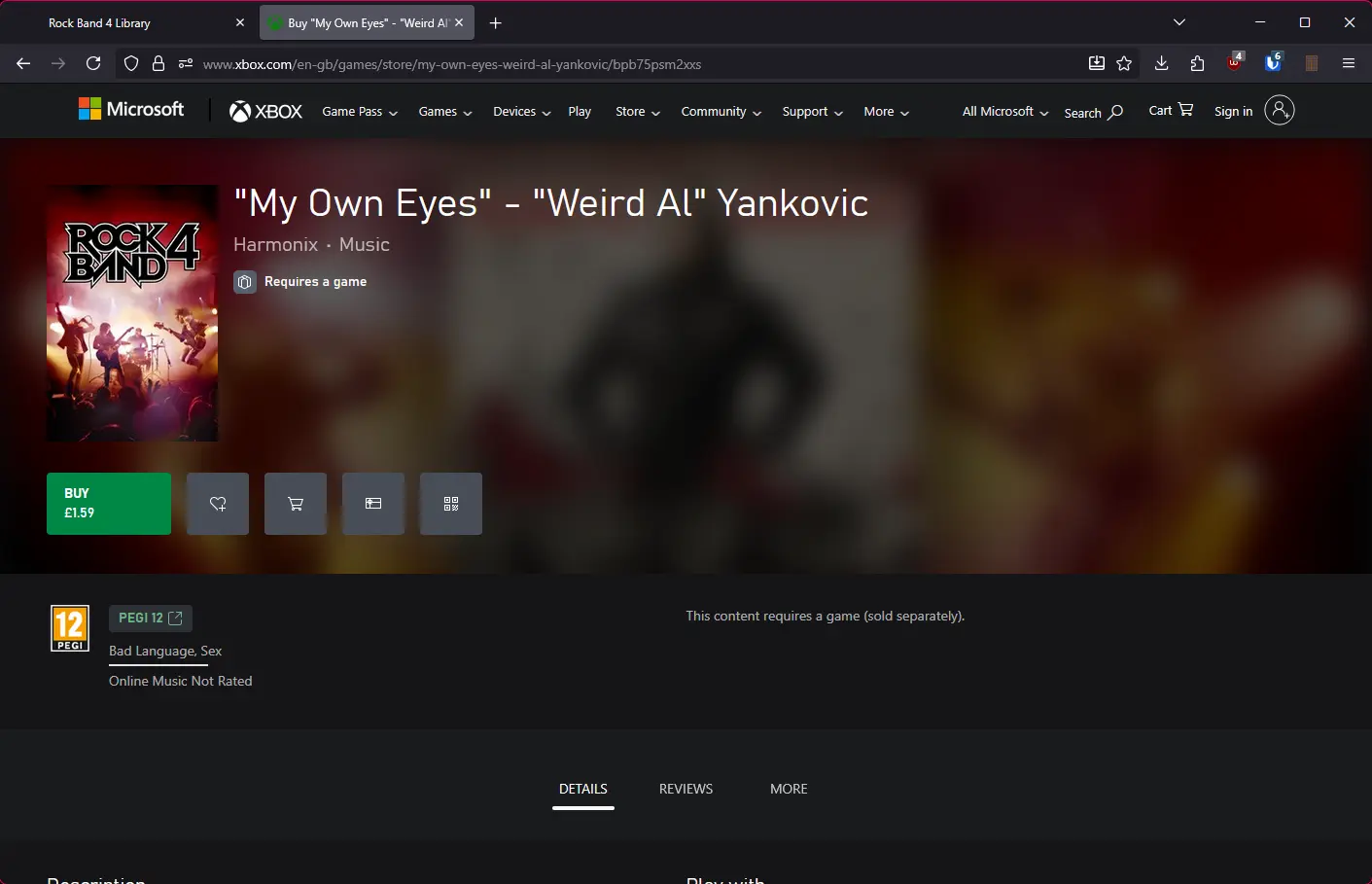
  7. To buy a song or pack, click the Xbox icon below it to be directed to the official Xbox.com store page for that song. Make sure to sign into the correct Microsoft account!
  8. The Xbox.com store page for My Own Eyes by Weird Al Yankovic. There is a green Buy button listing the song as being £1.59.

Downloading to your Xbox

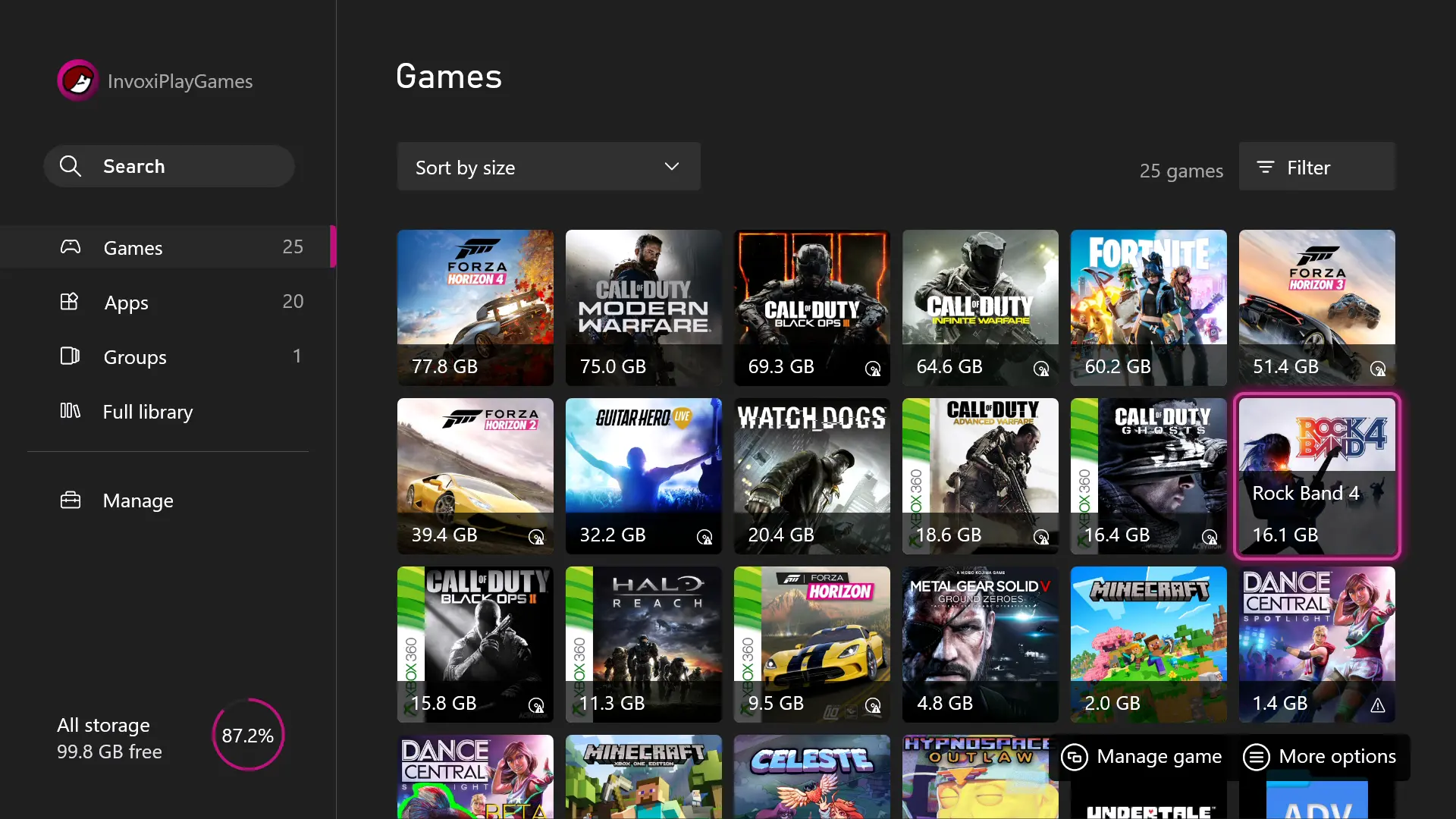
  1. Go to "My games & apps" on your Xbox.
  2. The Xbox One "My games & apps" screen, showing a grid of game titles. The hovered game icon is "Rock Band 4", with a pink border around it.

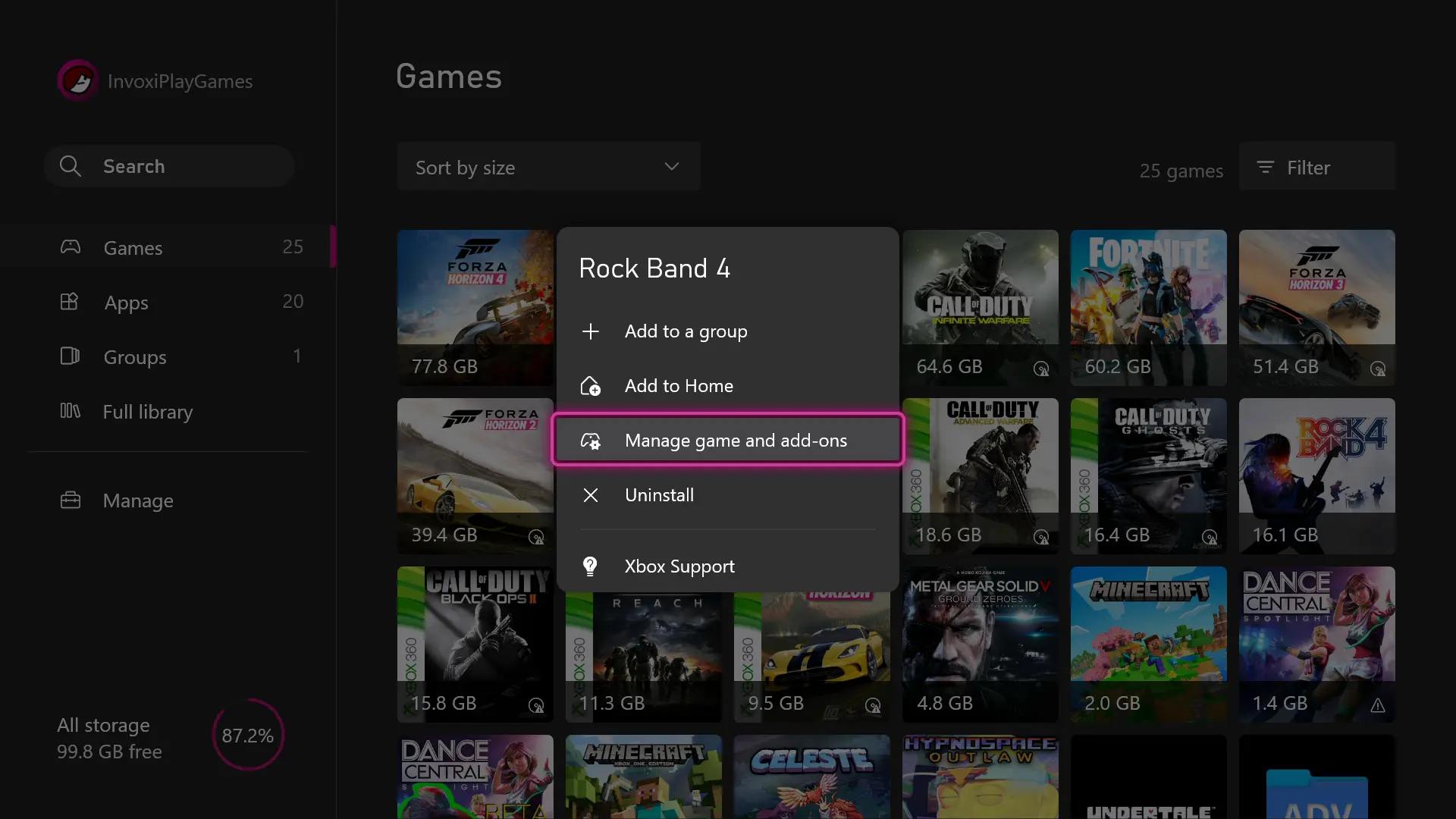
  3. Hover over Rock Band 4 and press the Menu button on your controller. Select "Manage game and add-ons".
  4. The "My games & apps" screen with a modal list in front of it titled "Rock Band 4", with an option to "Manage game and add-ons".

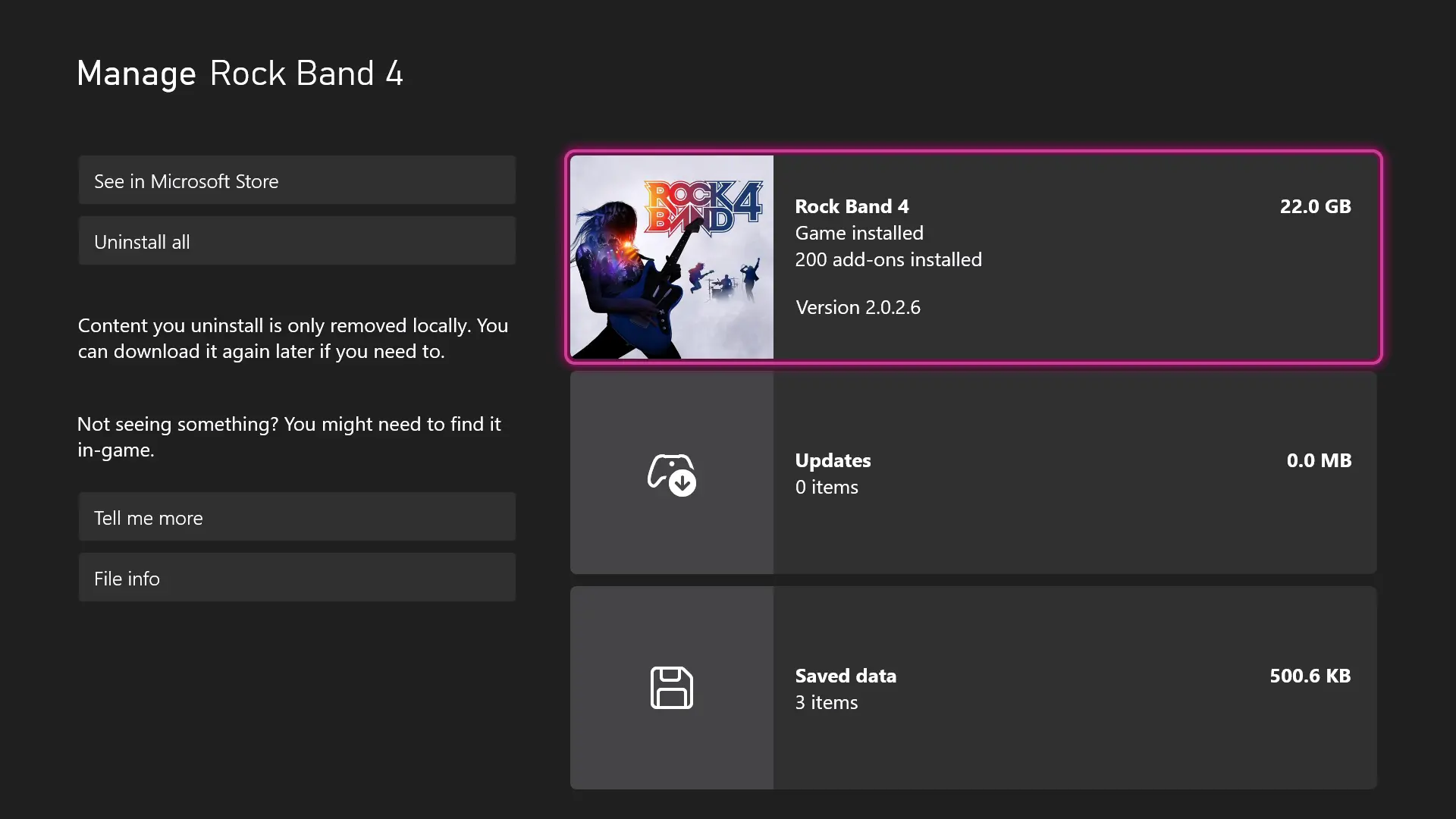
  5. On the Manage screen, select Rock Band 4.
  6. The Xbox One "Manage" screen for Rock Band 4.

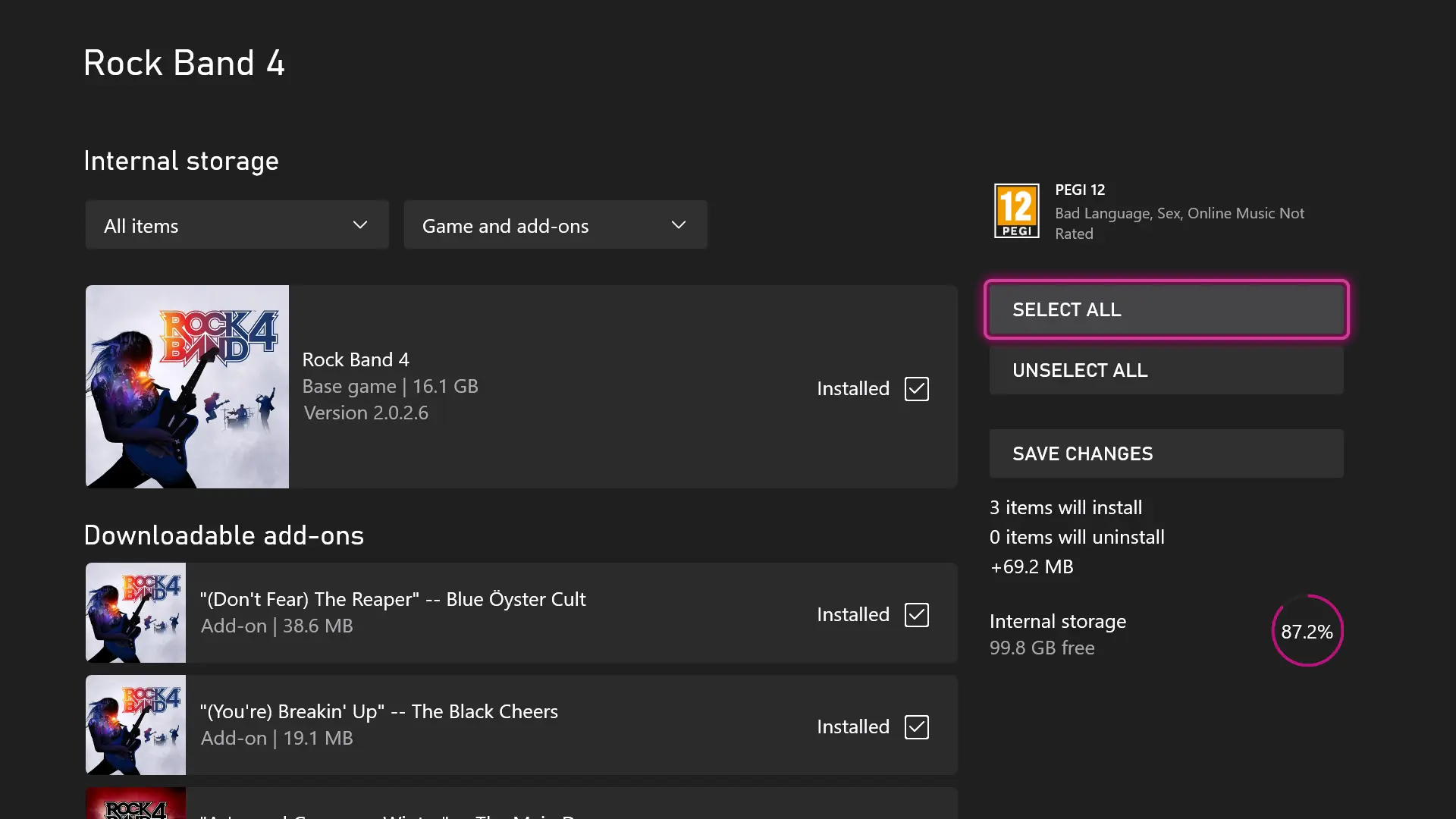
  7. Once the list loads, select "Select All". This will select all DLC you own but have not installed.
  8. The add-ons list for Rock Band 4 on Xbox One. There is an option hovered named "Select all" and there is text saying "3 items will install."

  9. Select "Save Changes". Any newly purchased DLC will start installing.
  10. The Xbox One downloads page, showing 3 Rock Band 4 songs in progress.