Store Guide (PSN)
If the Rock Band 4 servers are down, or if you're away from your console, you can use the unofficial rb4.app website to browse, search and help you buy songs. You can do this on a computer or a smartphone. (Certain songs will require a PS4 or PS5 to purchase.)
Browsing and buying songs
- On a web browser on your computer or phone, go to https://rb4.app/.
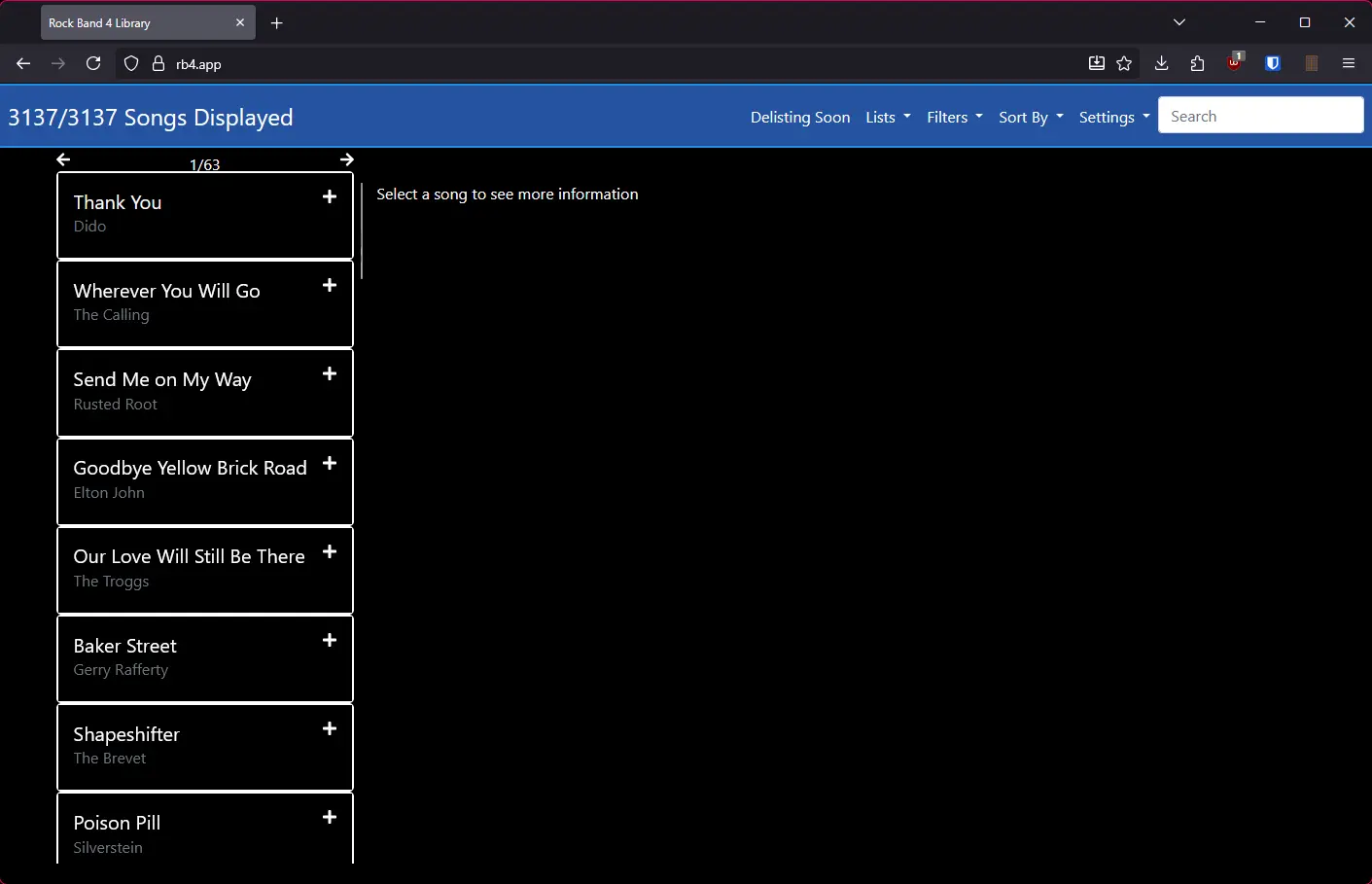
Note: If you are playing on a European copy of the game, select "Use EU PlayStation Song Links" in the settings of rb4.app.
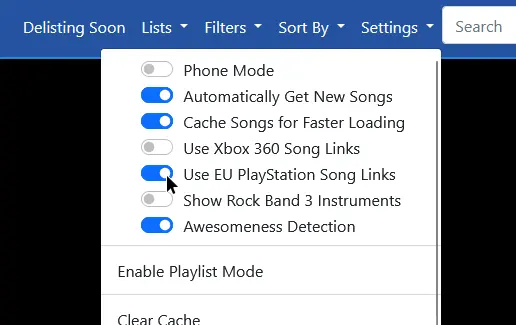
- Select or search for a song.
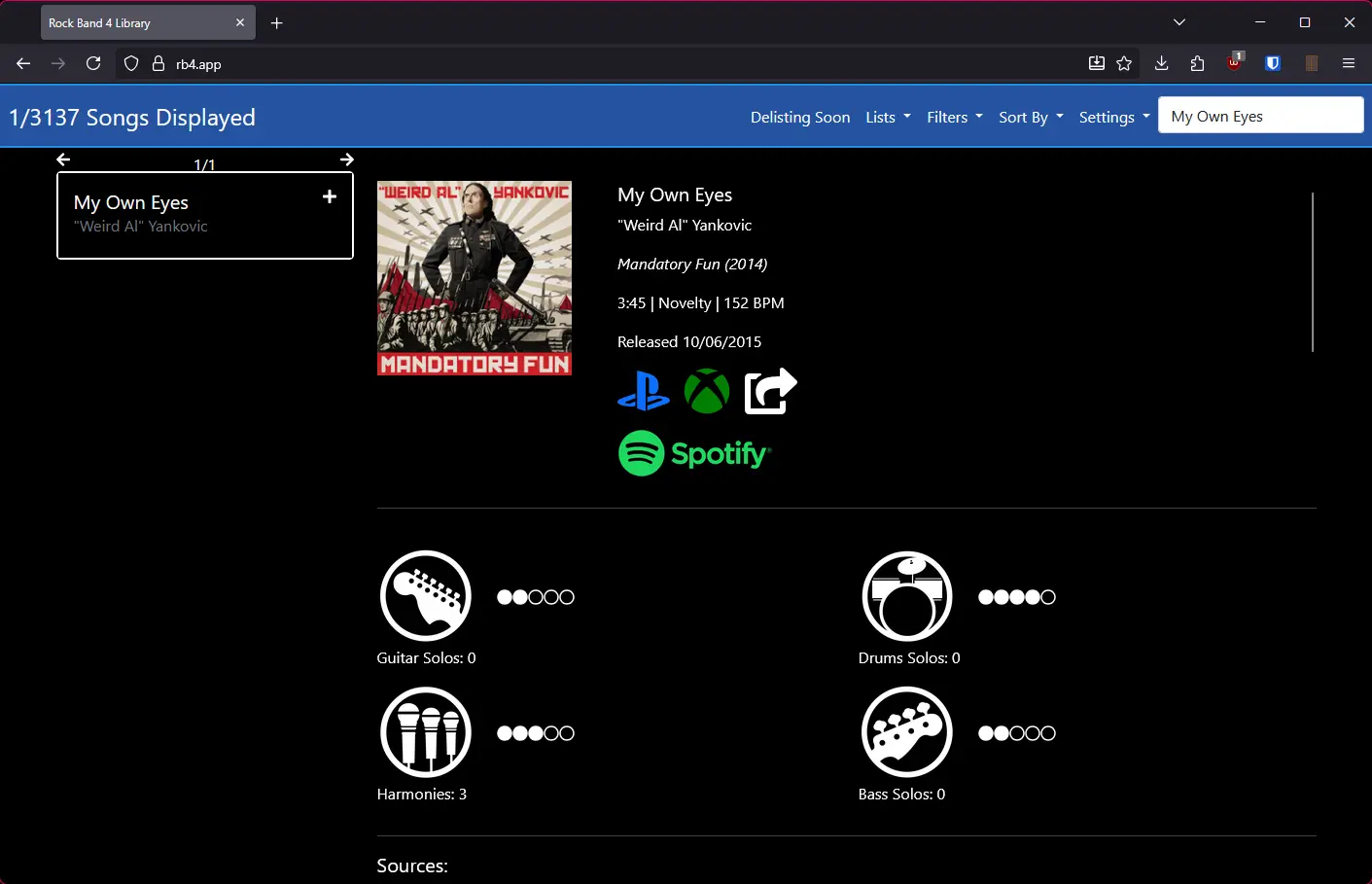
- If the song you're interested in is part of a pack, scroll down and select "Packs".

- To buy a song or pack, click the PlayStation icon below it to be directed to the official PlayStation.com store page for that song. Make sure to sign into the correct PlayStation Network account!

Downloading to your PS4
- Hover over Rock Band 4 on the PlayStation home screen.
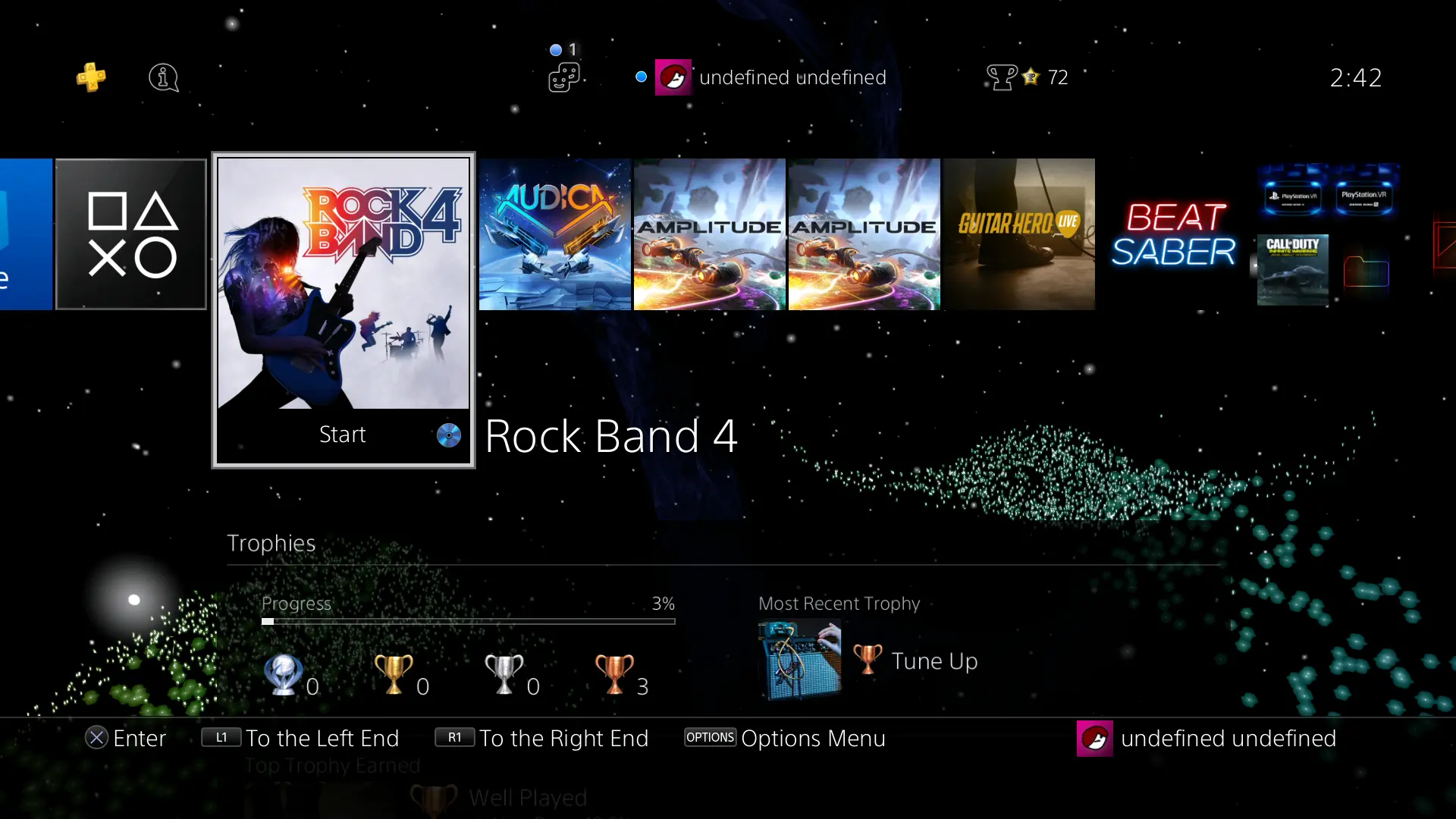
- Press down on the D-Pad until you get to "PlayStation Store".
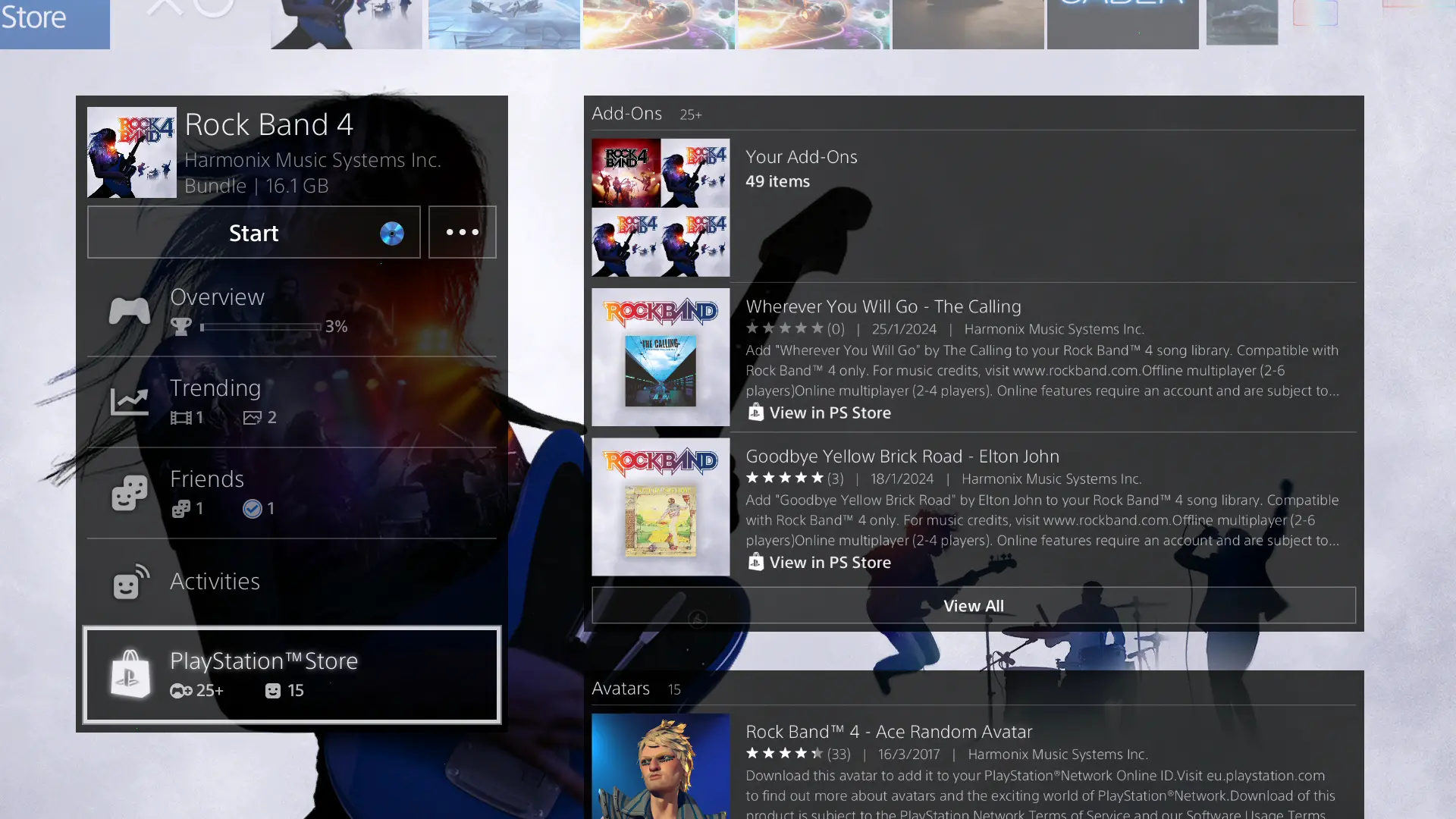
- Select "Your Add-Ons" and download ones not marked as "Installed". This will be sorted by newly purchased.

Older songs
Note: If you are playing on a European copy of the game, select "Use EU PlayStation Song Links" in the settings of rb4.app.
- Hover over Rock Band 4 on the PlayStation home screen.
- Press down on the D-Pad until you get to "PlayStation Store".
- Select "Your Add-Ons" and download ones not marked as "Installed". This will be sorted by newly purchased.
Older songs
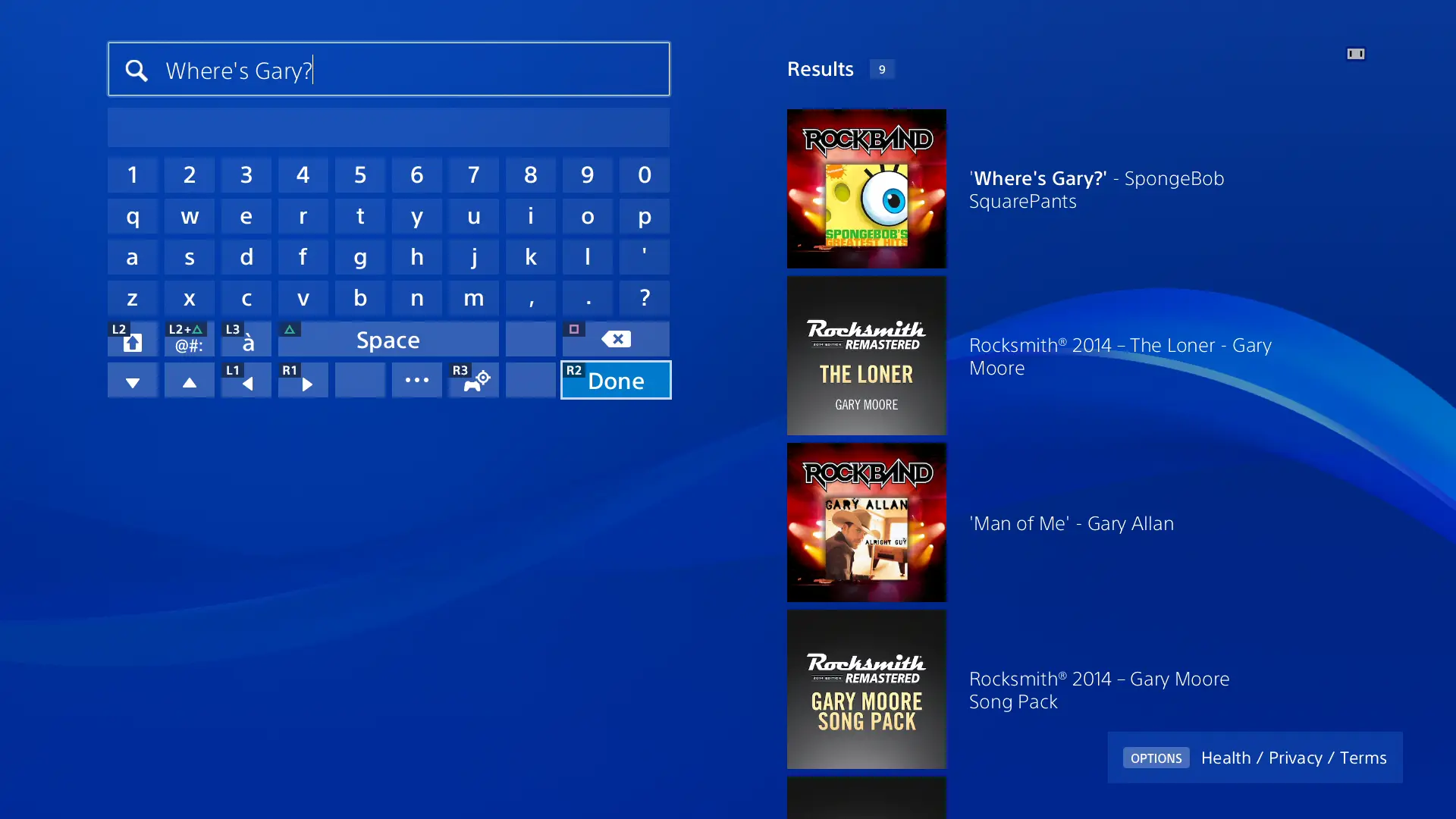
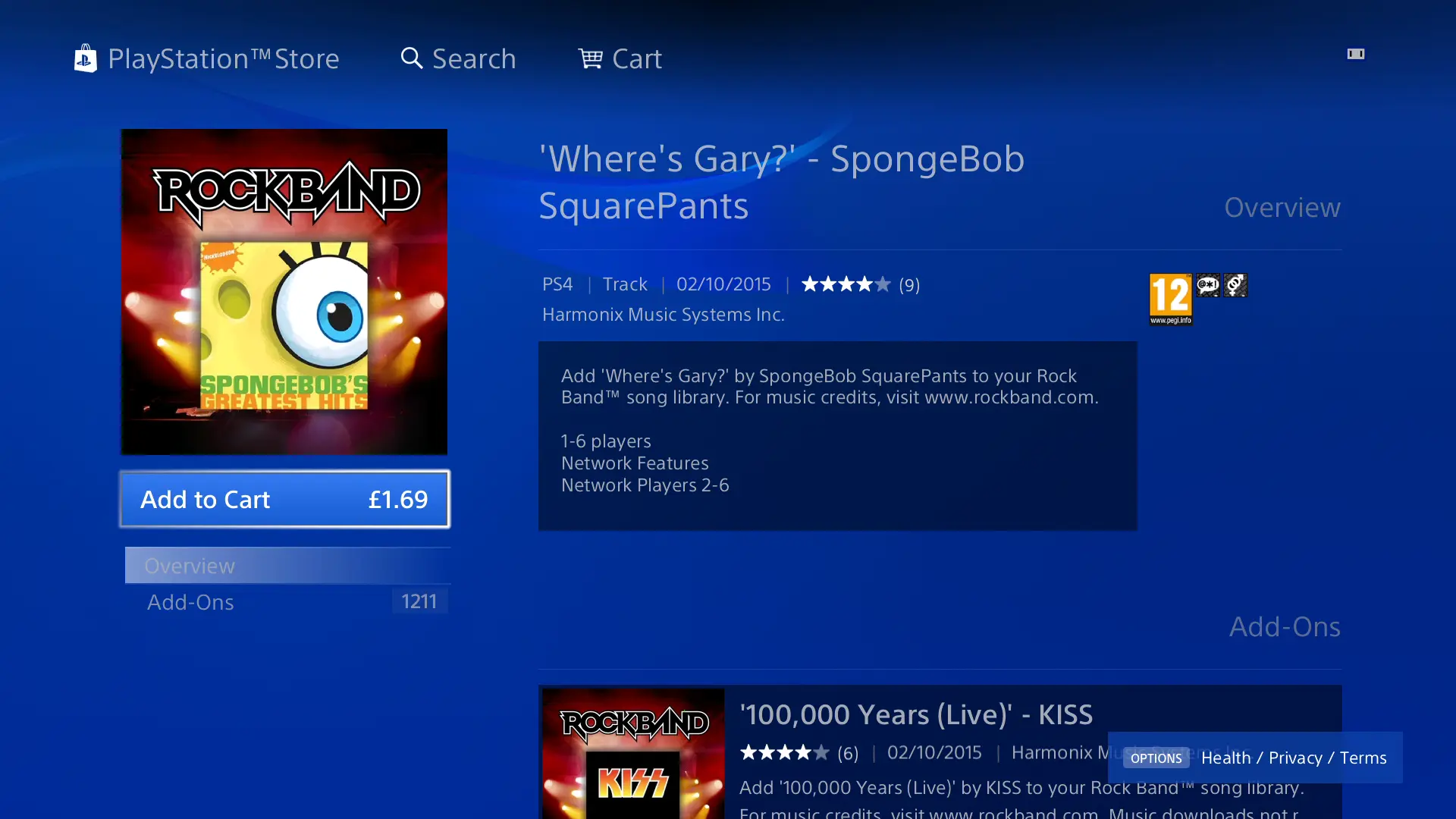
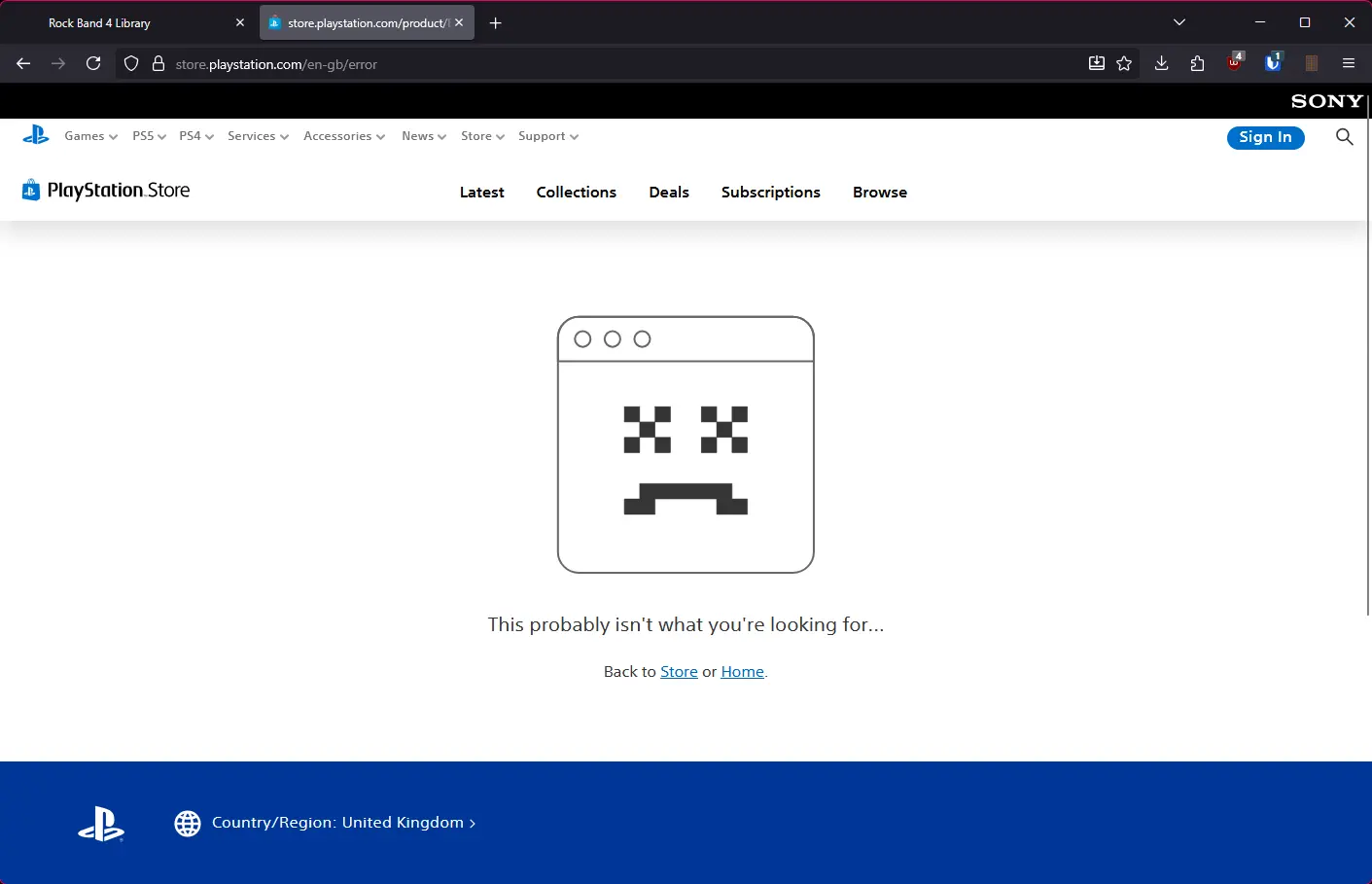
Certain songs will link to a 404 error page instead of the correct store page. These songs will need to be purchased on a PlayStation 4 or 5 console.
If you can't access the in-game store, you can search for the songs in the on-console store.